
Many small businesses start hiring the same way: a vacancy goes up, applications arrive in a shared inbox, and a spreadsheet appears to keep track of them. It works for a while. Then applications become hard to find, nobody is sure who is reviewing what, and candidates are not always told where they stand.
To move from email recruitment to an applicant tracking system, you need a controlled transition, not just a new tool. The goal is a reliable application record and a defined workflow, not simply copying every old email into new software. This guide walks through the steps, including what to keep, what to leave behind and how to protect candidate data on the way.
Identify the Problems With Your Current Process
Start by naming what is actually going wrong. These are warning signs, not inevitable results of using email:
- Applications arriving through several inboxes.
- Candidate details duplicated across spreadsheets.
- Resume files stored in more than one place.
- No clear owner for reviewing each application.
- Follow-up that is missed or late.
- Difficulty finding a candidate’s latest status.
- Old vacancies that still accept applications.
- Inconsistent access to candidate information.
Email-based recruitment is not wrong in itself. It is simple, familiar and free, which is why so many companies begin with it. The question is whether it still fits the number of vacancies and people involved. If you recognise only one or two of these signs, better habits may be enough. If you recognise most of them, a structured system is probably worth the effort. Our guide to getting job applications on your WordPress website shows what the alternatives look like.
Map Your Existing Recruitment Workflow
Before you choose replacement software, write down how hiring really works today. Note how jobs are approved, where vacancies are published, how applications arrive, who reviews them, how interview decisions are recorded, how candidates are informed, how vacancies are closed and how candidate records are kept or deleted.
A simple way to do this is to follow one recent hire from start to finish and write down every step, handover and message. Do not clean this up while you map it. You want to see the process as it is, including the workarounds. If you have not defined a target process yet, our guide to creating a recruitment workflow for a small business gives a model to start from.
Decide What Information Needs to Move
Make an inventory before you move anything:
- Active vacancies.
- Applications still under review.
- Candidate contact details.
- Resume files.
- Interview notes that are appropriate to keep.
- The current status of each application.
- Relevant communications.
- Who currently has access to what.
Be selective. Data minimisation applies here: do not migrate every historic email and attachment just because it exists. Keep or transfer only the records your business has a valid reason to hold, and decide what happens to the rest under your retention rules.
Choose the Right Applicant Tracking Approach
There are four broad routes, and each has trade-offs in cost, administration, integrations, permissions, reporting and workflow complexity.
| Approach | Best suited to | Main trade-off |
|---|---|---|
| Better email and spreadsheet conventions | Very low hiring volume | Still manual, limited access control |
| Recruitment plugin on your own website | Companies already running WordPress | Features depend on the plugin and plan |
| Dedicated ATS | Teams with regular, higher-volume hiring | Subscription cost and more setup |
| Larger recruitment platform | Complex, multi-team or multi-site hiring | Highest cost and administration |
A short explainer on what an applicant tracking system is and whether you need one helps you decide, and the comparison of a WordPress job board and a recruitment plugin is useful if your site already runs on WordPress.
Ask a few practical questions as you compare them. How many applications do you receive in a typical month? How many people need to see them? Do you need to restrict who can open resumes? Do you want applications to arrive through your own website? The answers usually point to one of the four routes quite clearly.
You do not have to pick the largest option. Choose the one that matches your hiring volume and the number of people who need access, and accept that you can move up later.
Design the New Application Workflow Before Migration
Decide how the new process will work before you move any data. Settle who owns new applications, which statuses you need, who can progress or decline a candidate, how interview outcomes are recorded, which communications are sent, how filled vacancies are closed and what records must be retained.
The table below is an example only. It is not a universal workflow and it is not a configuration of any particular product, so replace the entries with your own.
| Stage | Owner | Record kept |
|---|---|---|
| New application received | HR coordinator | Application stored against the role |
| Under review | Recruiter | Short, job-related note |
| Shortlisted or declined | Hiring manager | Decision and reason |
| Interview | Interviewers | Written feedback |
| Decision | Final decision-maker | Outcome recorded |
| Vacancy closed | HR coordinator | Listing closed, retention date set |
Prepare and Clean Existing Records
Tidy only what you intend to carry over. Remove unnecessary duplicates, standardise job titles, make dates and contact fields consistent where it helps, and confirm which vacancies are still active. Keep active and closed recruitment records separate, check that resume files open, and flag incomplete records so someone can resolve them.
Restrict access to sensitive files while you work. And be careful not to alter historic records in a way that removes useful context or changes what the original record meant. Clean for consistency, not to rewrite history.
Plan the Migration in Phases
A phased plan is safer than moving everything over a weekend:
- Select a low-risk starting point, such as one active vacancy.
- Configure the new system.
- Test with a small sample of records.
- Import or recreate only the necessary records, using supported methods.
- Verify record counts and check a sample of records by hand.
- Train the people who will use it.
- Run a controlled transition for active vacancies.
- Confirm the new workflow works in practice.
- Retire the redundant processes when you are confident.
Check what your chosen system supports before promising a data import. Some records may need to be transferred manually or through a separately verified method. The plugin’s own Free and Pro comparison lists a bulk CSV import for the CMAA Recruit Pro candidates database, so test it on a small sample before relying on it, because it is not an automatic import of historical emails or spreadsheets.
Protect Candidate Data During the Transition
Migration creates extra copies of sensitive data, so handle it deliberately. Limit access to authorised people, move files securely, avoid unnecessary copies, protect your backups, set correct permissions and apply your retention rules. When the move is finished, dispose of obsolete copies safely, and verify that migrated files open correctly before deleting any originals.
Using an ATS does not by itself make you compliant with data protection law. Requirements differ by jurisdiction, so check what applies to your business. The UK Information Commissioner’s Office guidance on recruitment and selection covers how employers should handle candidate information and is a helpful reference, even if you are outside the UK.
Train Recruiters and Establish Ownership
A new system fails quickly if nobody knows who does what. Make clear who checks new applications, who updates statuses, where candidate notes belong, who manages permissions and how errors are corrected. The most common problem during a transition is running the old and new processes side by side, which creates conflicting records. Set a date after which the old route is no longer used.
Plan for a short period of questions and small mistakes. Name one person who can answer “where do I record this?” during the first few weeks, and ask users what is confusing, because their answers show which part of the workflow needs a clearer rule.
A short rollout checklist helps:
- Name the owner of new applications.
- Share the list of statuses and what each means.
- Agree where notes are written.
- Set who can change permissions.
- Announce the date the old inbox stops being used for applications.
Measure Whether the New Process Is Working
Record a baseline before you switch, so that you can tell afterwards whether anything improved. Useful indicators include:
- The share of applications with a recorded status.
- The time taken to acknowledge applications.
- The number of applications with no assigned reviewer.
- How often duplicate records appear.
- The age of unresolved applications.
- How confident recruiters are that they can find a record.
Do not set target percentages in advance and do not assume that a new system shortens time to hire. Measure first, then decide what a sensible target looks like for your business.
Where CMAA Recruit Fits
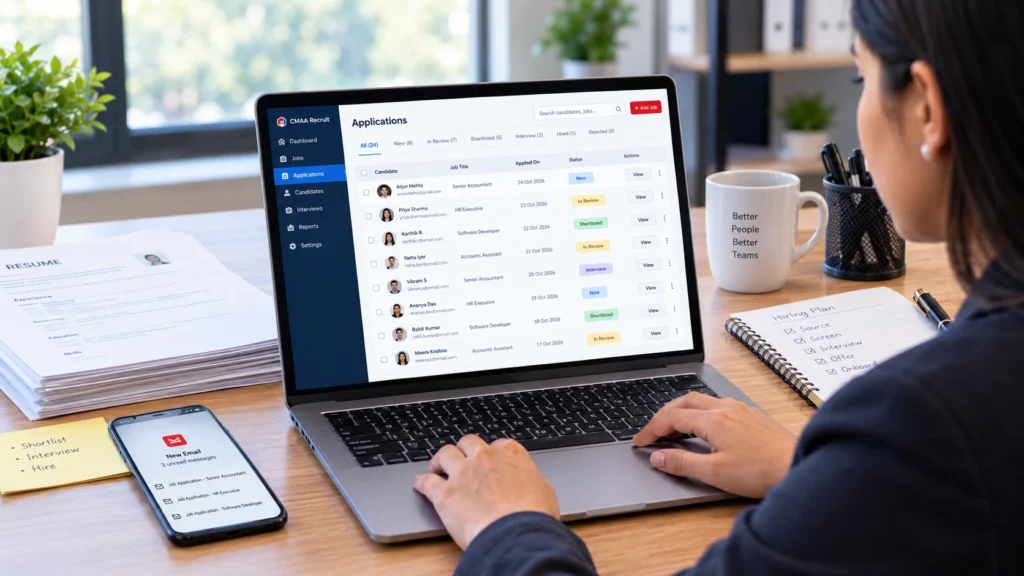
CMAA Recruit may suit a company that already uses WordPress and wants job publishing and application management on its own website. The Free plugin provides job listings, an application form with resume upload, an Applications list, a candidate status page and a confirmation email, so each application is stored against a job instead of arriving as a loose email. Read more about CMAA Recruit as a WordPress ATS.
For day-to-day review, see how to manage job applications from the WordPress dashboard, which shows what the Free Applications list does and does not cover.
The Free Applications list is intentionally simple. According to the product page, Pro adds a Kanban pipeline, a full status workflow, a candidates database and interview scheduling. CMAA Recruit does not automatically import your historical emails or spreadsheets, so plan to recreate the records you need or test the Pro bulk import on a sample. Check the current plans on the product page before you decide.
Move job applications into a more organized WordPress workflow
Explore how CMAA Recruit supports job publishing and application management on your company website.
Frequently Asked Questions
When should a business stop managing recruitment through email?
When applications are hard to find, several people are involved, follow-up is being missed or you cannot tell the current status of a candidate. For a handful of applications a clear email routine can still be enough.
Can an ATS replace recruitment spreadsheets?
Often yes, because an ATS keeps applications and statuses in one record. It only helps if people actually stop updating the spreadsheet, so set a date to retire it.
How should existing candidate records be migrated?
Decide which records you have a reason to keep, clean them, test the move with a small sample, verify counts and sample records, and only then transfer the rest. Some records may need manual entry.
Can a small business use an ATS without a large HR team?
Yes. What matters is clear ownership, not team size. One person can own several stages as long as responsibilities are written down.
Will an ATS automatically improve time-to-hire?
Not automatically. A system can make records easier to find and follow-up easier to track, but time to hire also depends on approvals, interviews and decisions. Measure a baseline first.
Can a WordPress recruitment plugin replace email-based application management?
It can replace the part where applications arrive and are stored, by recording each one against a job. You will still need a process for review, communication and decisions.
Final Takeaway
A good transition follows the same order every time: map the current process, choose what data to keep, define the new workflow, migrate carefully, train users and confirm that the new process works before retiring the old one.
Compare ATS capabilities before planning your transition
Compare the Free and Pro capabilities against your business requirements.

About CMAA Softwares
CMAA Softwares builds practical software for SMEs and professional firms, grown out of problems solved first inside CMAA Advisors' own payroll, compliance, and recruitment desks. CMAA Recruit is our recruitment ATS plugin for WordPress. Learn more about us.